Campus students don't get proper rooms for meetings & practice sessions.
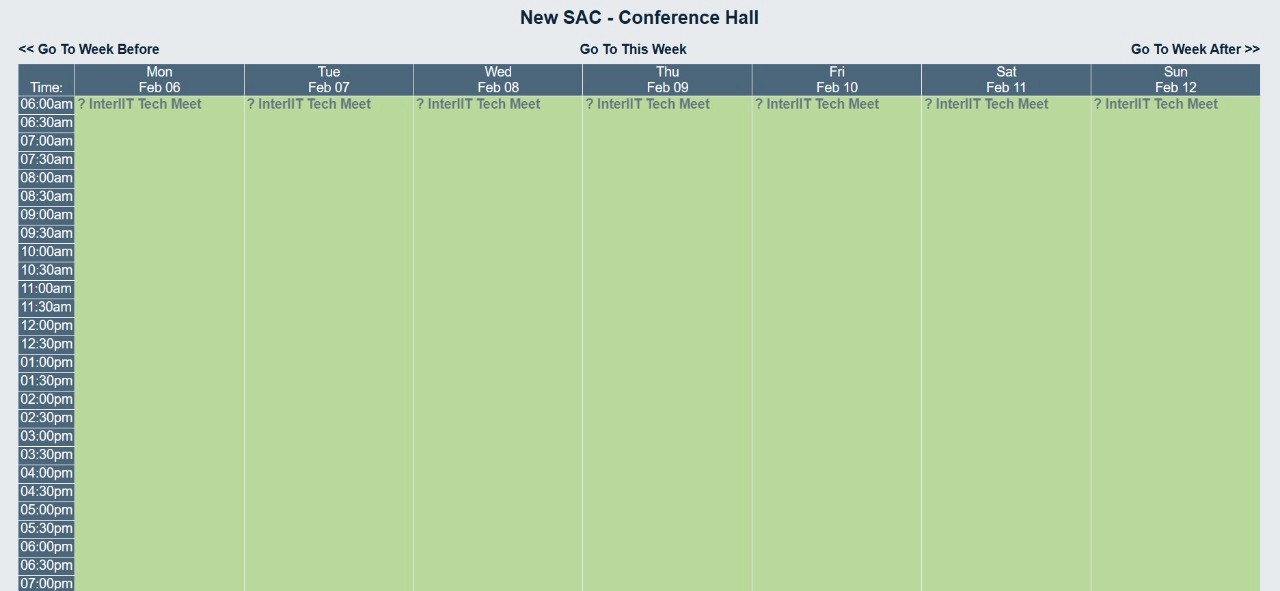
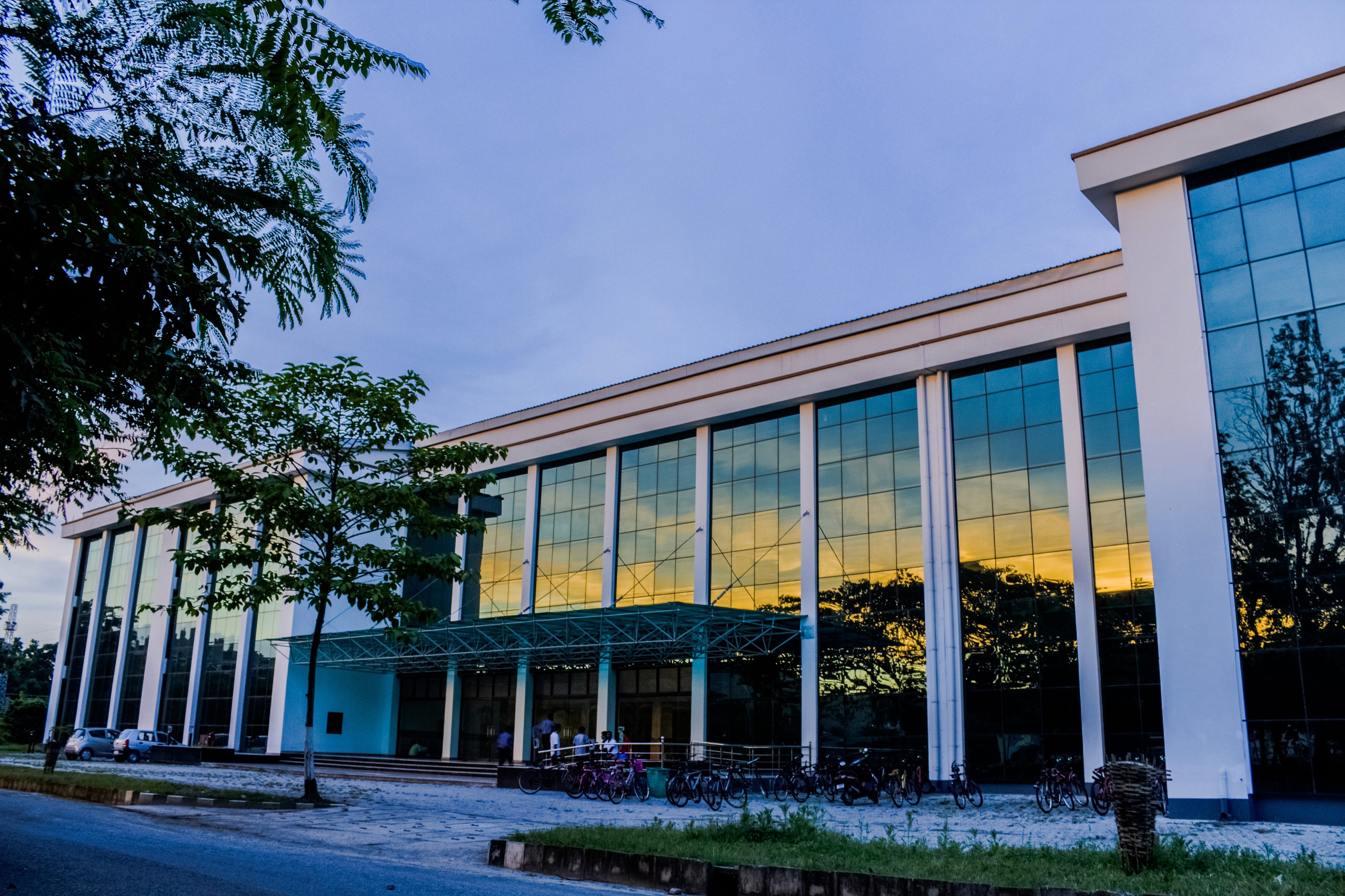
The New Students' Activity Centre at IIT Guwahati — the building that houses the club rooms, common rooms and board rooms that campus extracurriculars run out of. is the beating heart of extracurriculars at IITG — music, dance, coding, art, robotics. But reserving its club rooms, common rooms and board rooms ran on a legacy web portal almost nobody could find, let alone use.
No time restrictions, confusing UI, and near-zero admin control meant rooms were double-booked, hoarded, or simply grabbed by whoever showed up first.
Four kinds of rooms, one queue of frustrated clubs.
Small focused meetings and equipment storage for individual clubs.
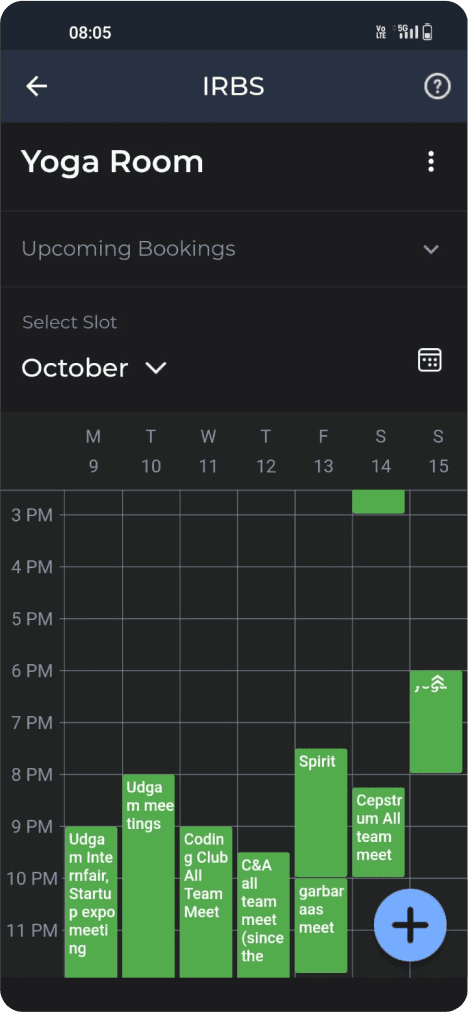
Large gatherings of 25+ people — yoga sessions, events, rehearsals.
Administrative and high-level meetings with the institute.
Clubs with no room of their own, fully dependent on availability.
One workaround explains most of what broke.
Every symptom students reported — hoarded rooms, empty common rooms, clubs practising outdoors — traced back to a single administrative shortcut, not a UI problem.
The legacy portal never told a secretary or the VP that a request existed — it just sat, unopened.
With nothing to ping them, students chased permission directly — enough volume that it crowded out academics.
The only way to stop the calls and mails was to remove the approval step for everyone, by default.
With no gate left, submission order — not actual need — decided who got the keys.
Common rooms sat booked-and-empty for weeks, some clubs rehearsed outdoors, and inter-college tech competitions suffered for it.
Eleven interviews, three findings.
I interviewed the VP, an ex-VP, 3 club secretaries and a spread of general students about how they actually got rooms — their current practices, their experience with the old portal, and the workarounds they'd invented.
Students relied on word of mouth — most didn't know the portal existed. OneStop IITG is a centralized mobile application developed by the Students' Web Committee to assist the IIT Guwahati community with daily campus life. It consolidates essential services into a single platform, offering features like academic timetables, bus and ferry schedules, room bookings and a lost-and-found portal., however, was already opened daily by everyone.
The old UI caused booking errors, offered no way to reject a request with a reason, and let incomplete forms through.
Peak periods created resource conflicts that needed hierarchical access — some requests simply matter more during a fest.
"I didn't even know there was an IRBS portal; we usually just use WhatsApp groups."
Student"Attending calls and mails all day is really a hectic task, it has become hard to concentrate on academics."
Vice President"When the handling of room bookings becomes too difficult and busy I give charge to any of the General secretaries who have more events."
Vice President"There's no system in place to notify us if a room suddenly becomes available."
Club Secretary"Sometimes, I go all the way to the room only to find out it's already occupied."
Student"I've missed important study sessions because I couldn't find a free room in time."
Student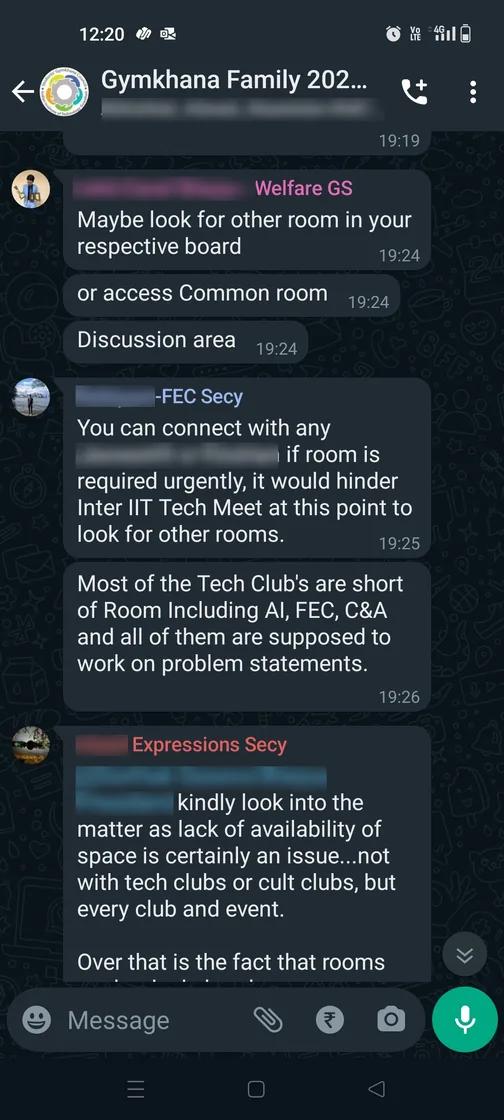
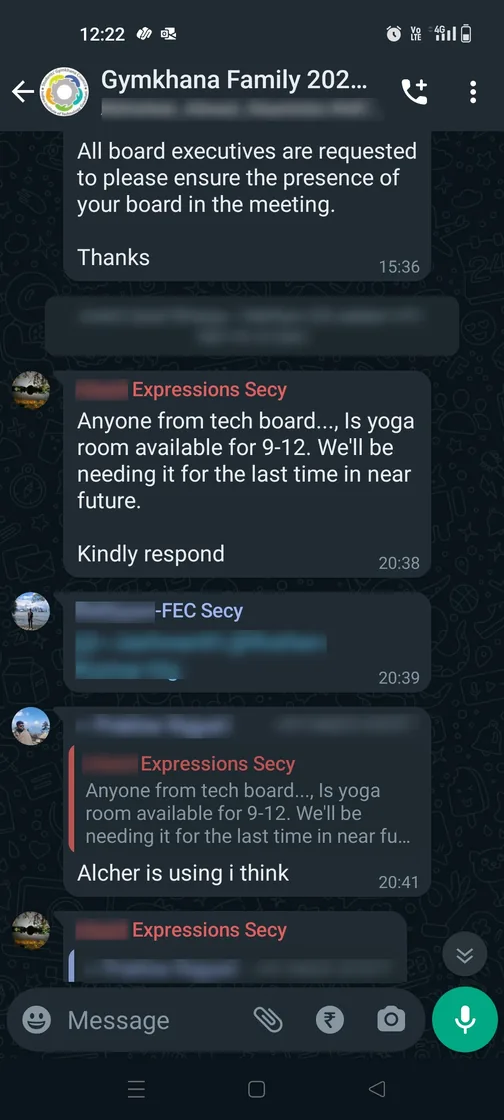
Meet students where they already are: inside OneStop.
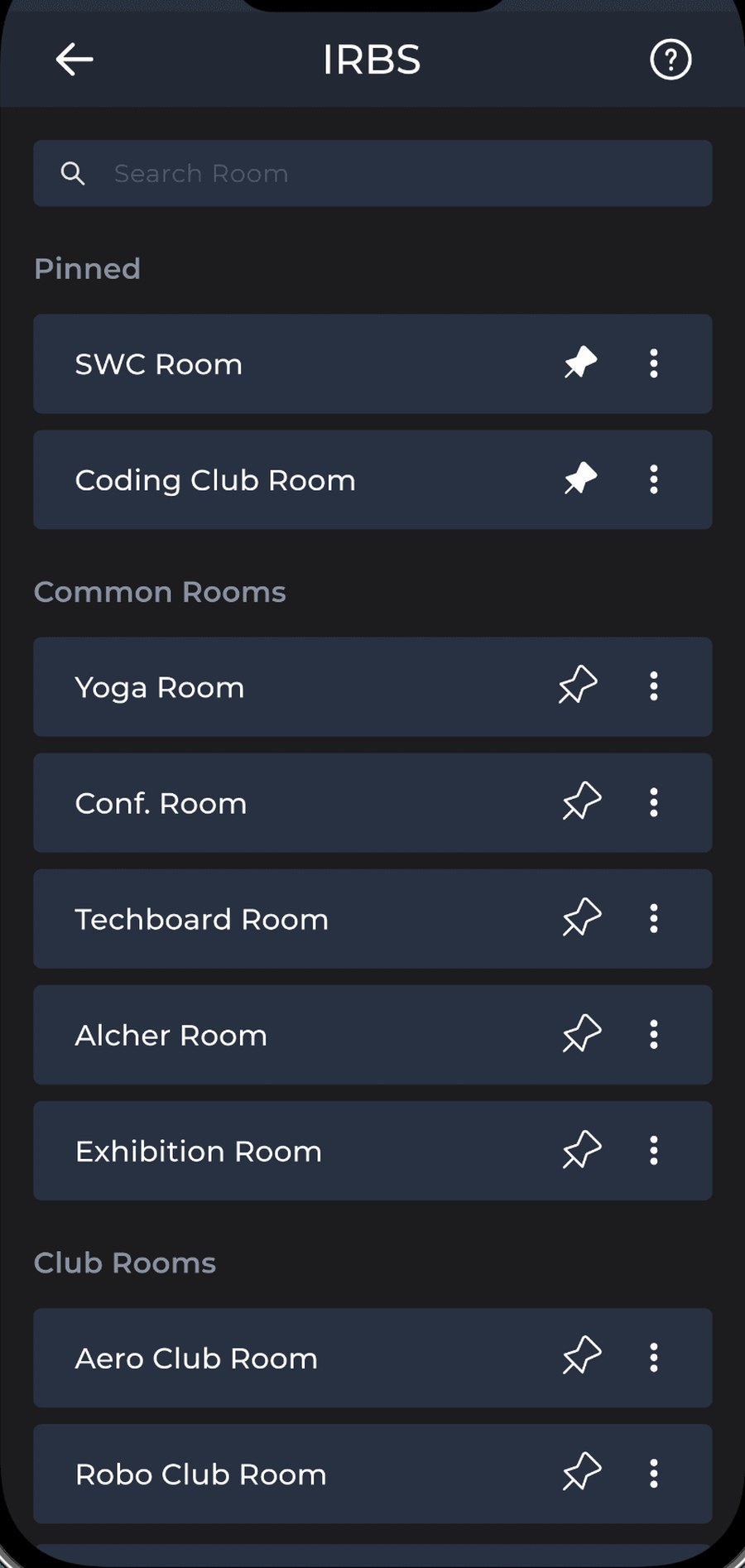
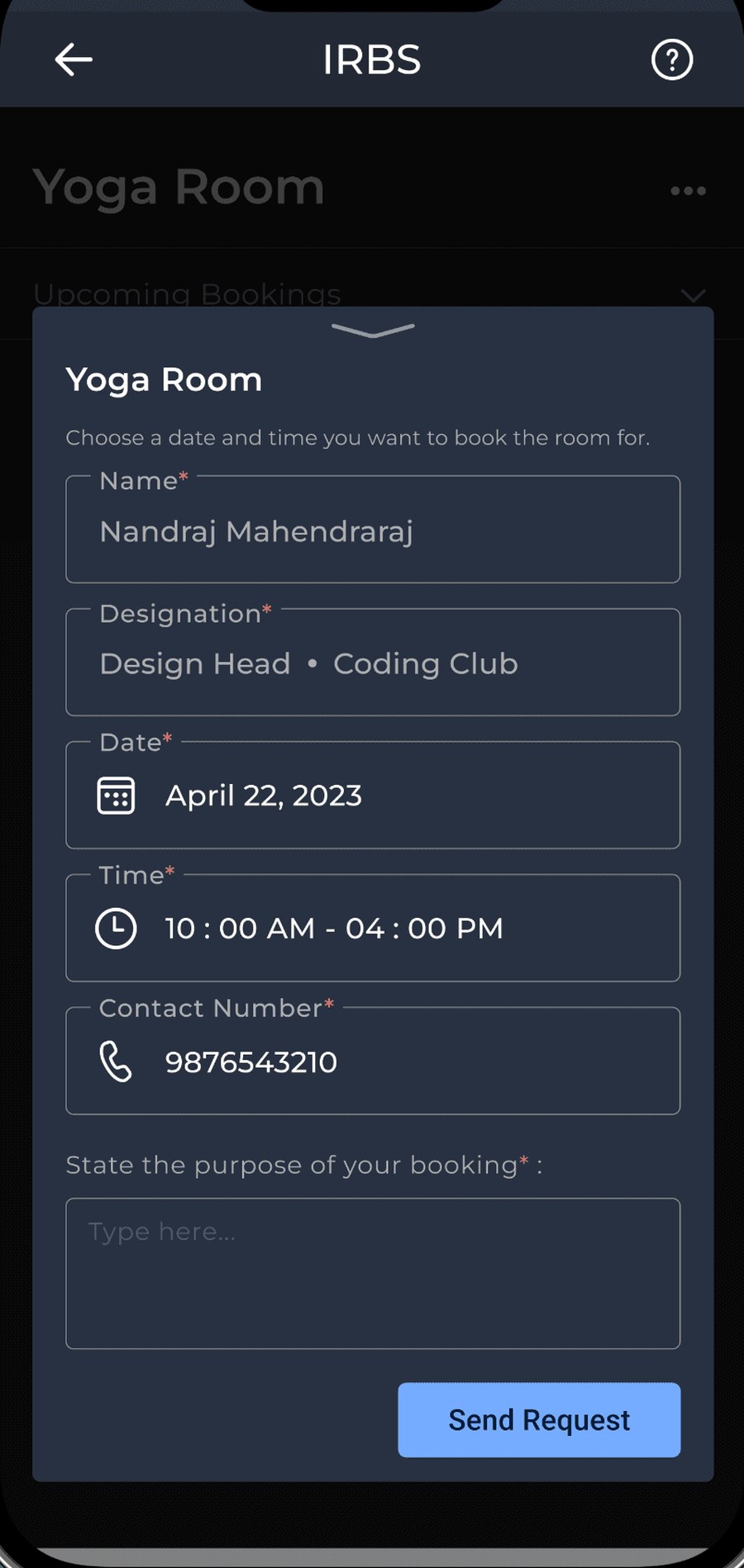
Instead of another portal to forget, IRBS lives inside the app every IITG student already opens daily. Booking takes three steps; approval is transparent.
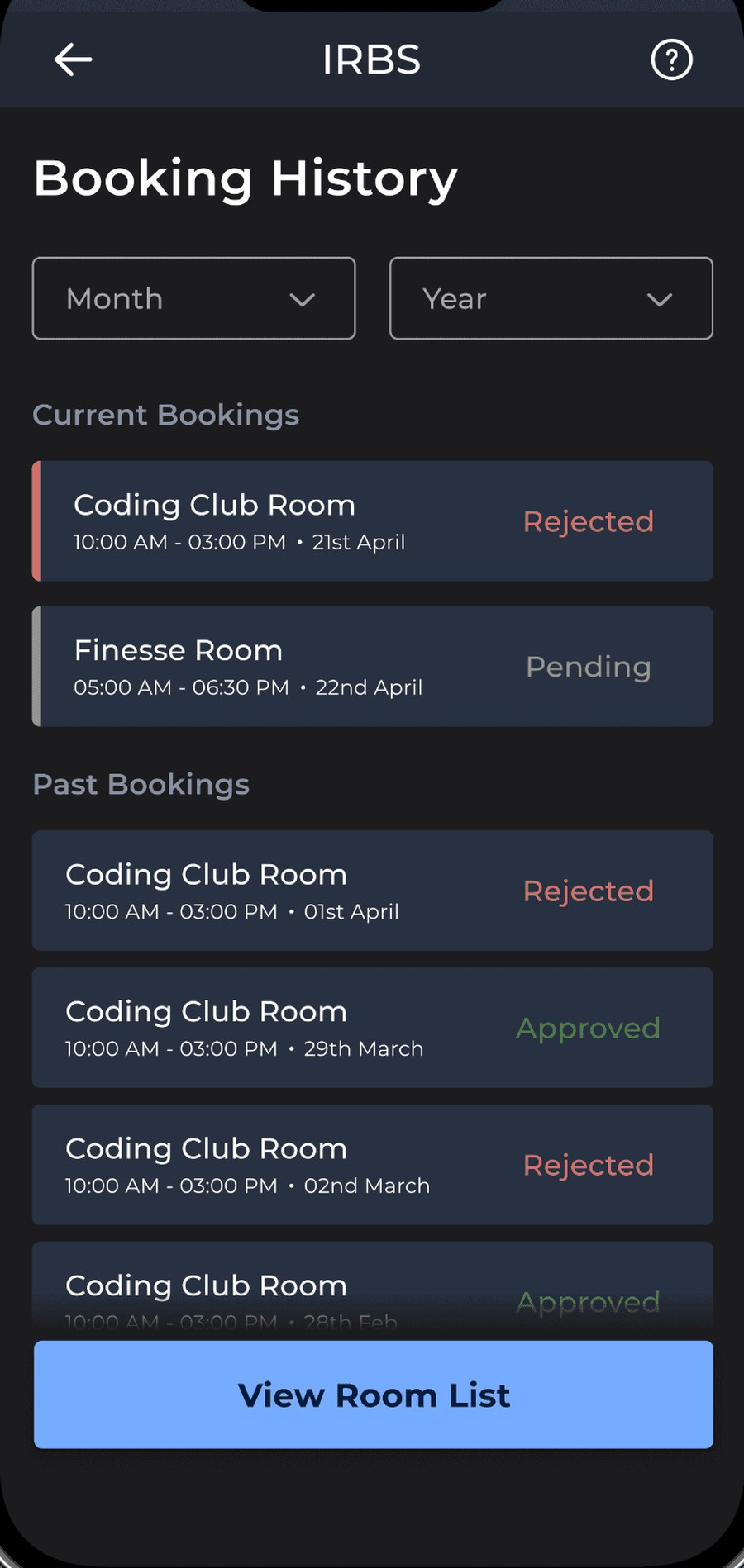
Browse club, common and board rooms with live availability.
Calendar view shows existing bookings — no more blind requests.
A stated reason travels with every request, so approvers decide fast.
Secretaries get notified on every request and must state a reason to reject — killing the silent-limbo problem.
Trusted users earn automated acceptance; hierarchy handles high-demand fest periods.
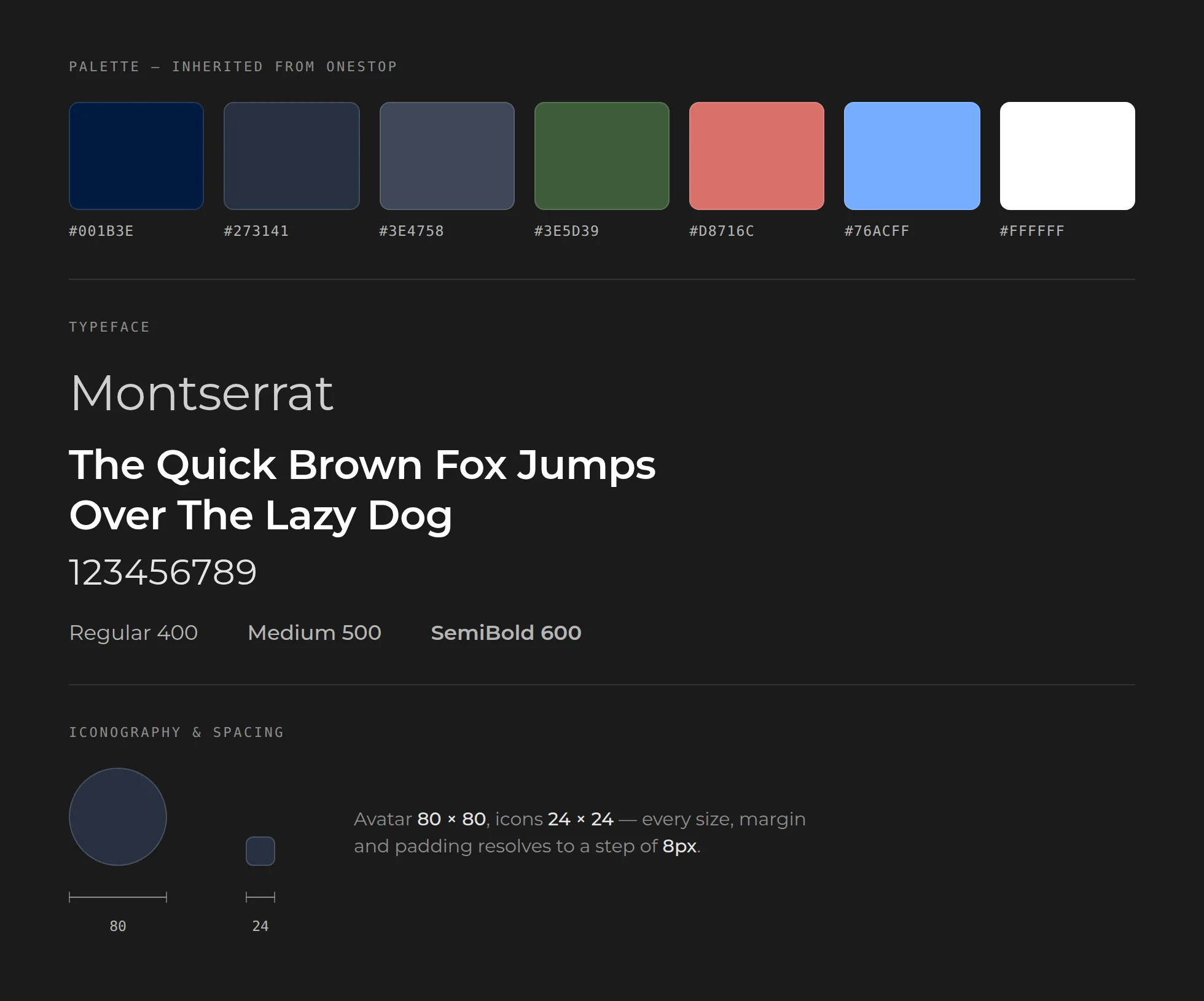
Living inside OneStop means inheriting its system rather than authoring one. Nothing here was chosen — the palette, the typeface, the 8px scale and the 24×24 icon size all arrived with the host app, and text contrast holds WCAG AAA on every background already in use.
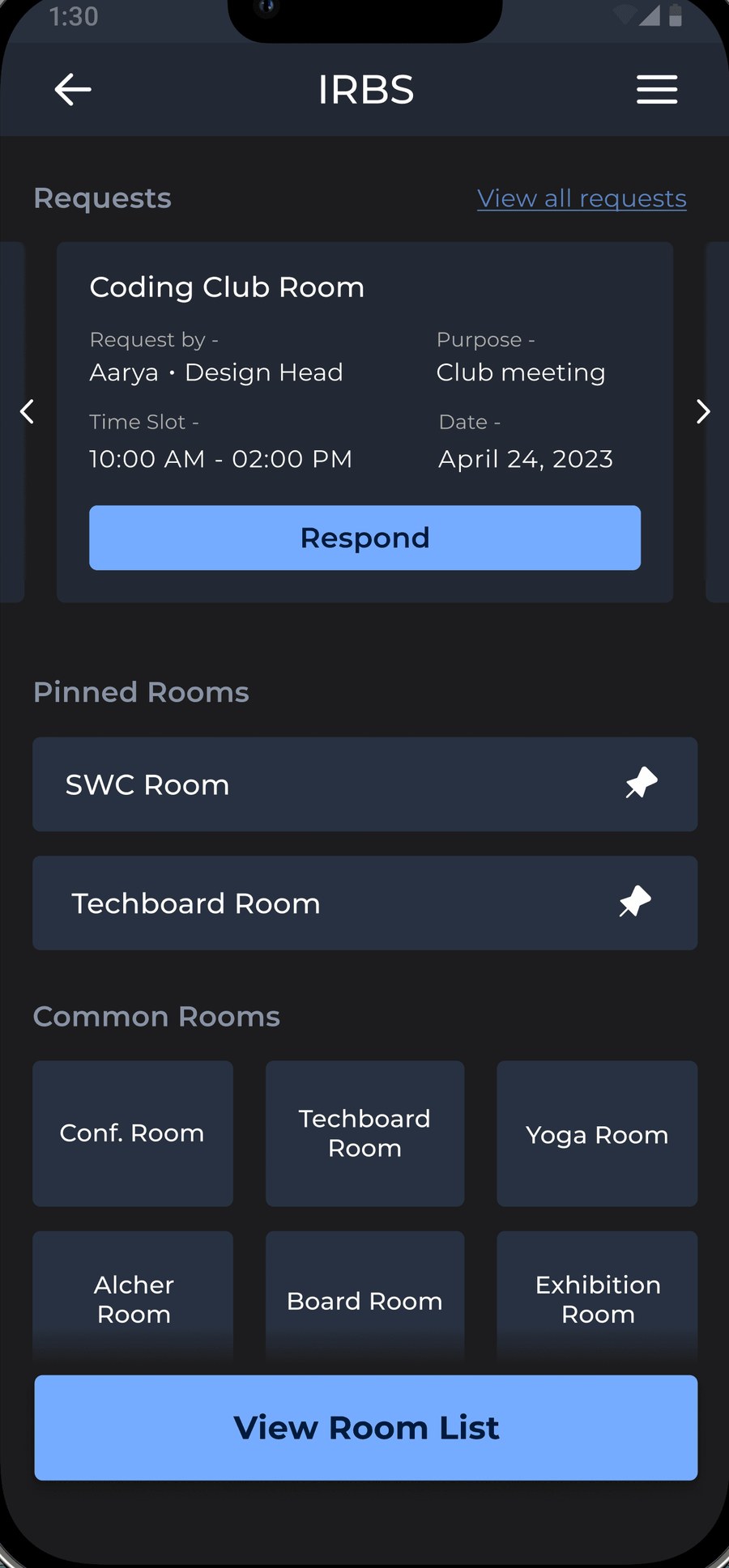
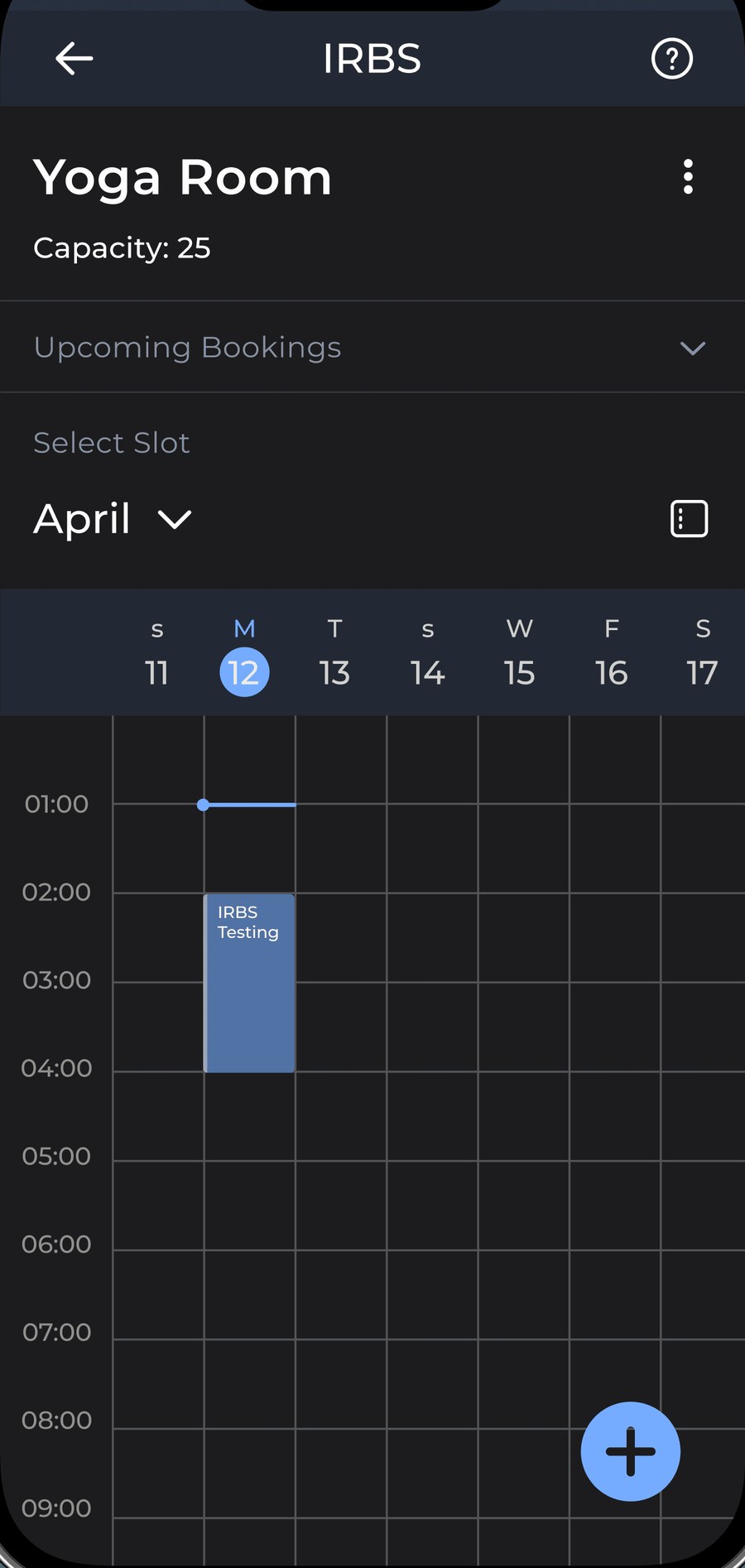
Wireframes, walkthroughs, and a humbling beta.
We tested multiple layouts with A usability method where evaluators step through a task exactly as a first-time user would, asking at each step whether the next action is obvious and whether its result is understood. before writing code — split testing layouts against each other and watching where participants actually hesitated.
Layouts pairing text with icons outperformed text-only ones — participants scanned them faster.
Participants couldn't tell a horizontal carousel was scrollable, and never interacted with it.
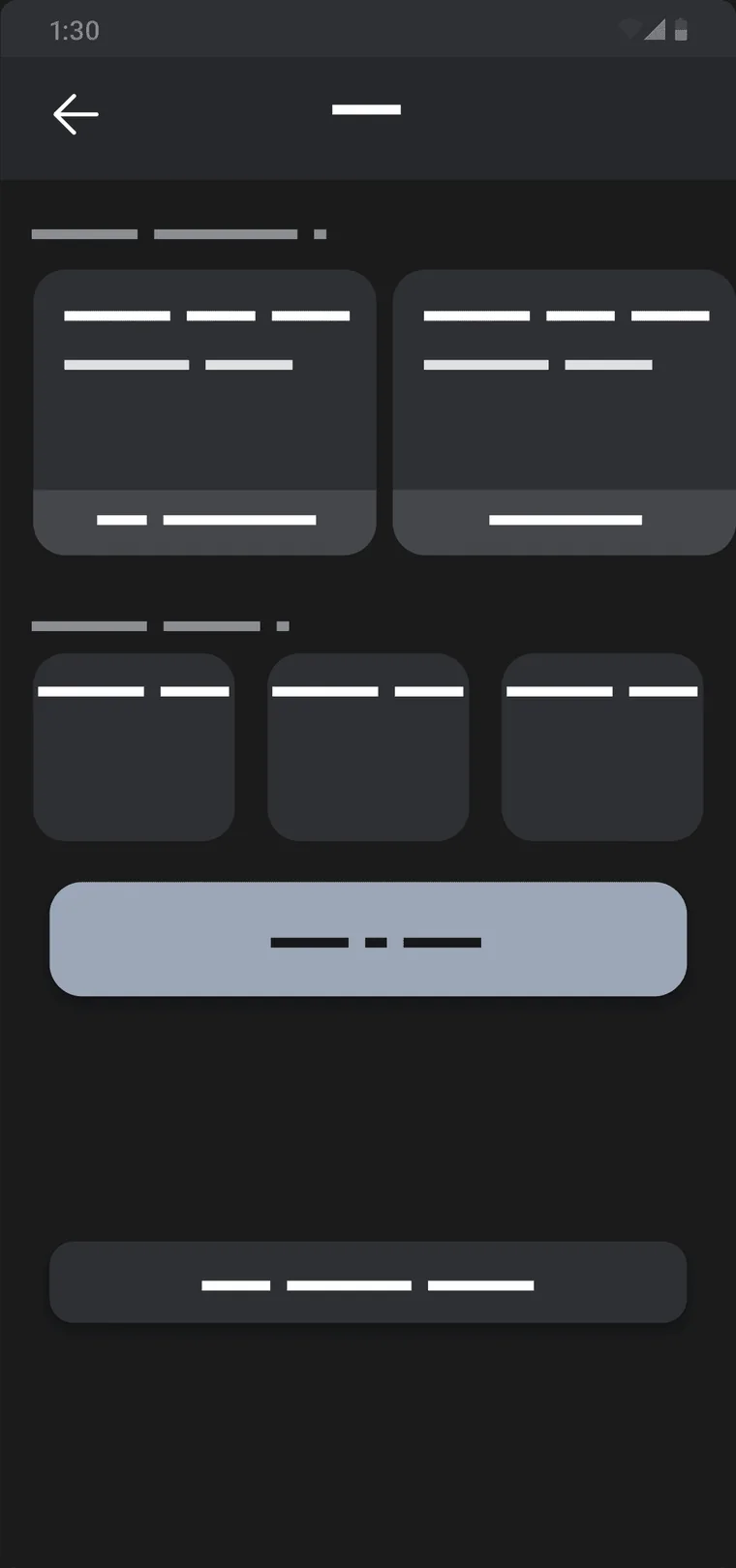
A filled primary against an outlined secondary beat two filled buttons, which caused hesitation and mis-taps.
Colour-coding request status let participants read it at a glance, without opening anything.
Live since September 2023 — and still how rooms get booked.